← All products · Step 4 · Check

Inspection Reporter
Turns every probe result into a color-coded inspection report, automatically, the moment the part is done.
▶ The 48-second overview · captions, so it works with the sound off
← All products · Step 4 · Check
Turns every probe result into a color-coded inspection report, automatically, the moment the part is done.
▶ The 48-second overview · captions, so it works with the sound off
Inspection Reporter
A server app that watches each Multus for new probe and surface-inspection results and converts them into a clean, color-coded inspection report — automatically, the moment the part comes off the machine. Launch it for Multus 1 or Multus 2 from one screen.
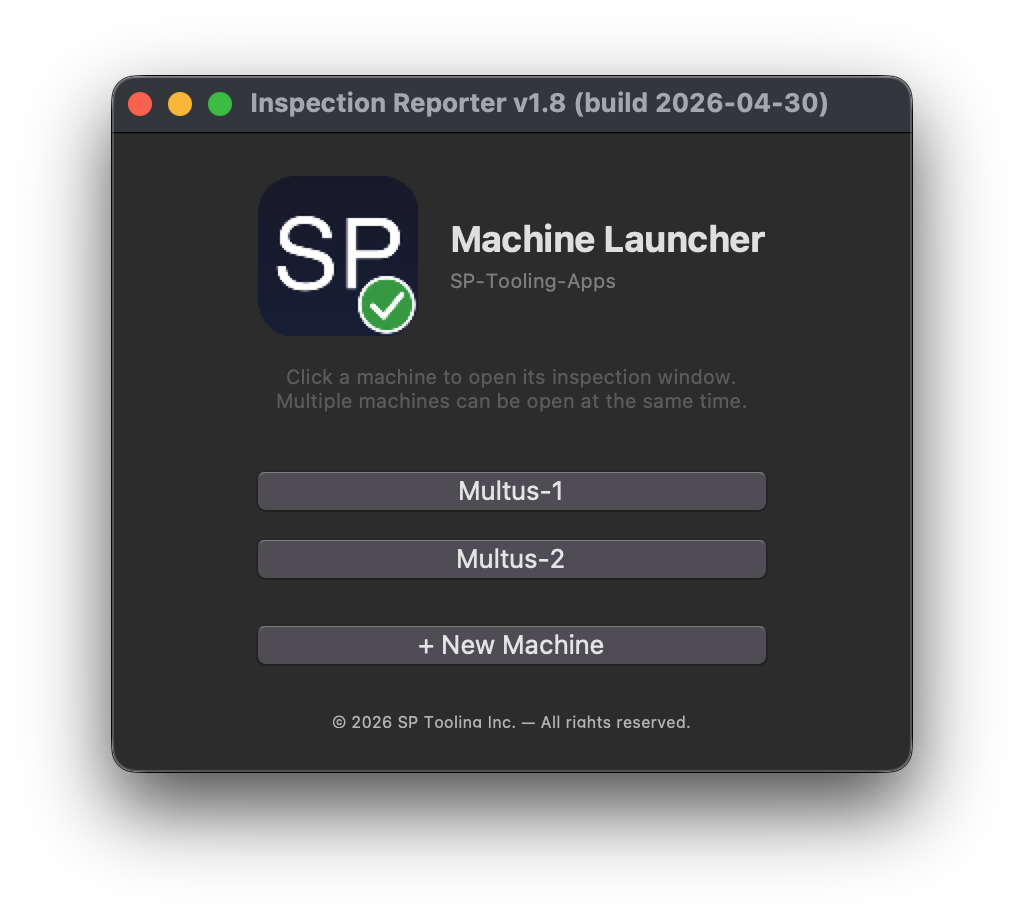
Start the reporter for the machine you want — Multus 1 or Multus 2 — from one simple launcher. It then watches that machine for new inspection data and builds a report the moment results land.
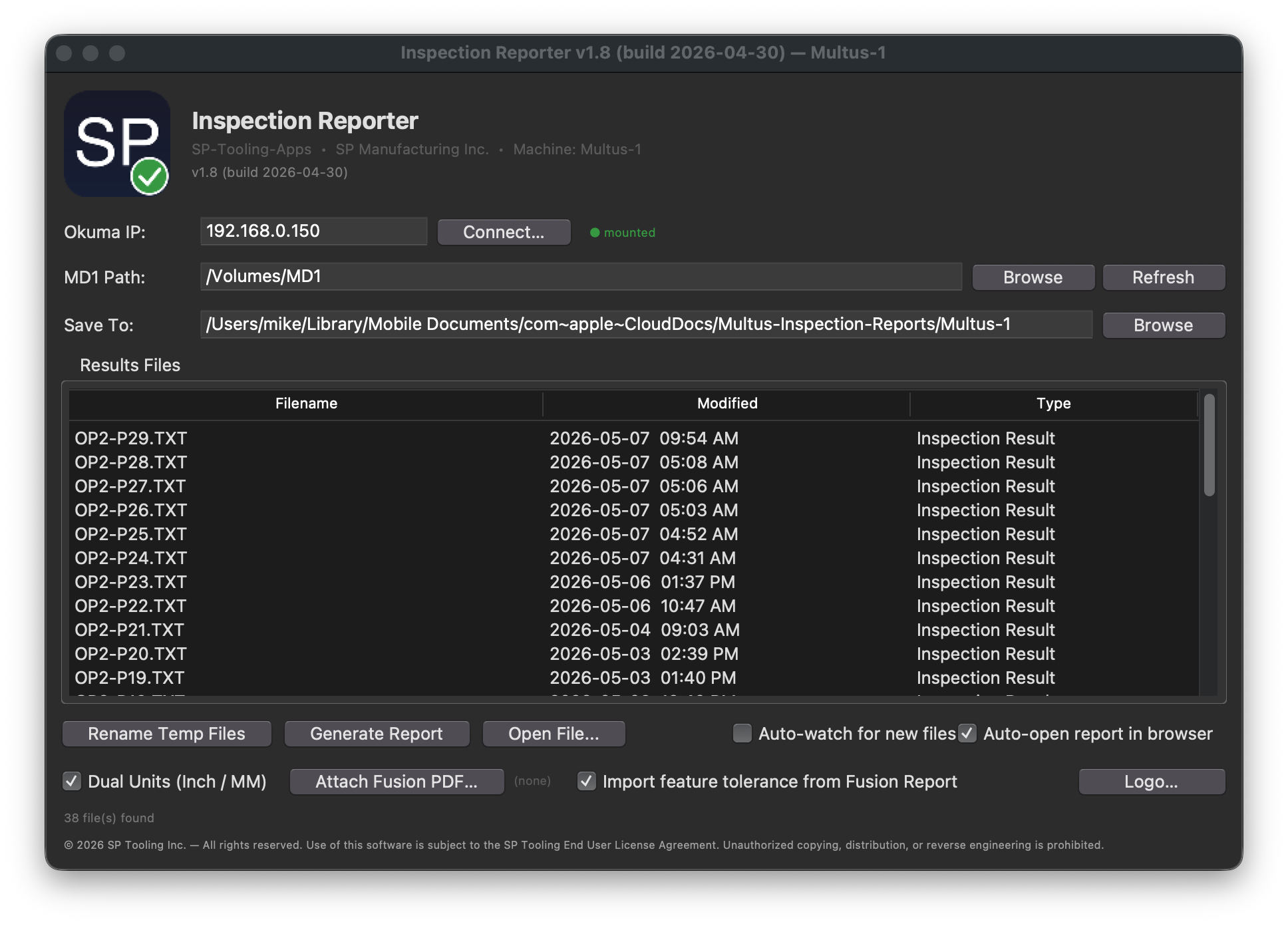
Renishaw probing and surface-inspection results land on a single report — actual value, nominal, and deviation for every feature, color-coded pass / warning / fail, and tied to part number and counting sequence. Output is a self-contained HTML report you can open in any browser.
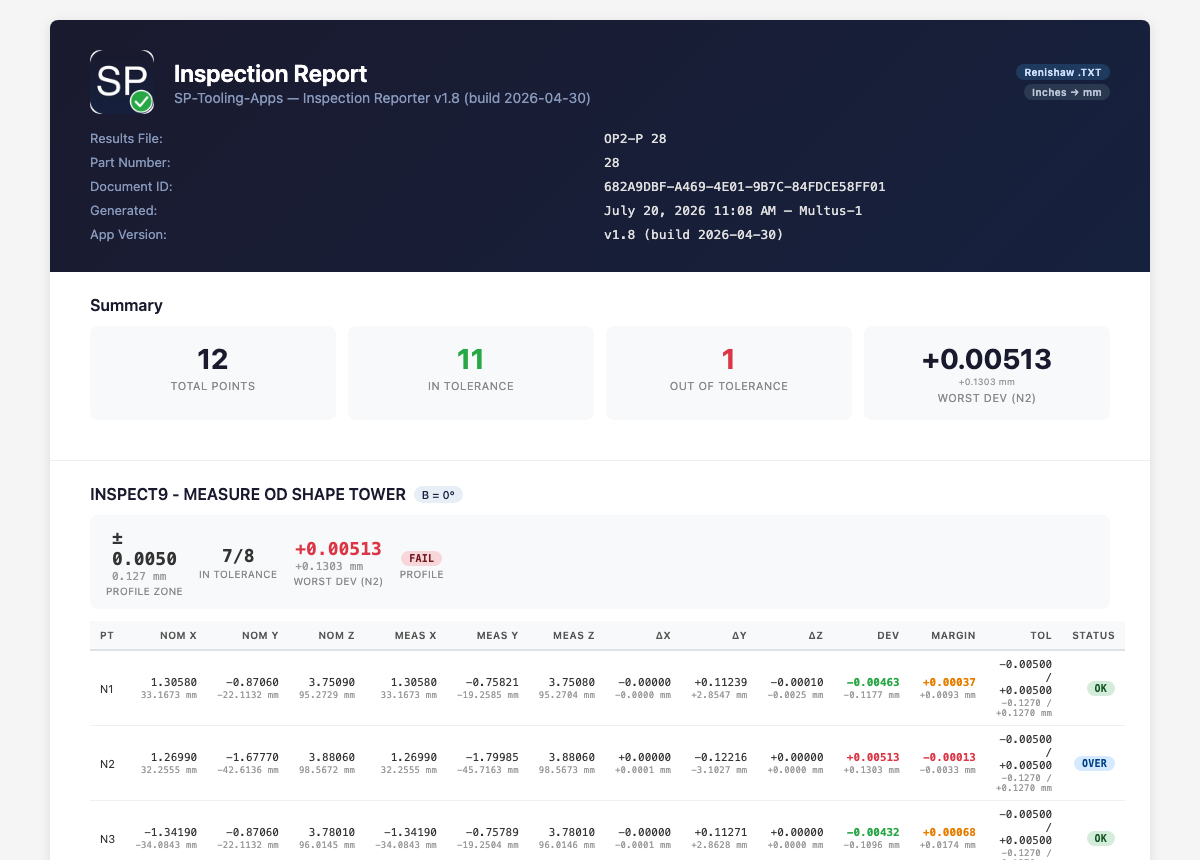
Here's the top of a real report: a summary of total points, in- and out-of-tolerance counts, and worst deviation, then every feature with nominal, measured, deviation, and a color-coded pass / warning / fail status — each tied to part number and counting sequence. Open the full interactive samples: OP2-P28 → ADM-P37 →
Get in touch for pricing, a demo, or to talk shop. Built by machinists — happy to talk machinist.
Thanks, we have your request. We will email you to set up a time.